6 .html files + README, zip
Email Signature Template Set — 6 HTML signatures for Gmail, Outlook, Apple Mail
Six HTML email signatures built table-based with inline styles, the pattern that survives Outlook Word-engine rendering, unlike modern-CSS HTML a chatbot hands you by default. Minimal, Classic Corporate, Bold Accent, Two-Column with an optional photo slot, Compact One-Line, and a CTA Banner. None require an image to look complete. Copy-paste install steps for Gmail, Outlook, Apple Mail and Thunderbird included.
Prices are set on Etsy in Canadian dollars; Etsy converts to your own currency at checkout at its own rate. The US dollar figures here are a rough guide only, at 1 CAD = 0.7131 USD — a European Central Bank reference rate via frankfurter.dev on 2026-10-27 — not Etsy’s checkout rate.
Look inside
Real pages and screens from the files you download.
About
Six editable HTML email signatures built with the table-based, inline-CSS coding pattern that professional email tools use for cross-client compatibility — not the modern-CSS HTML a chatbot hands you by default, which typically breaks in Outlook.
WHAT IS INSIDE
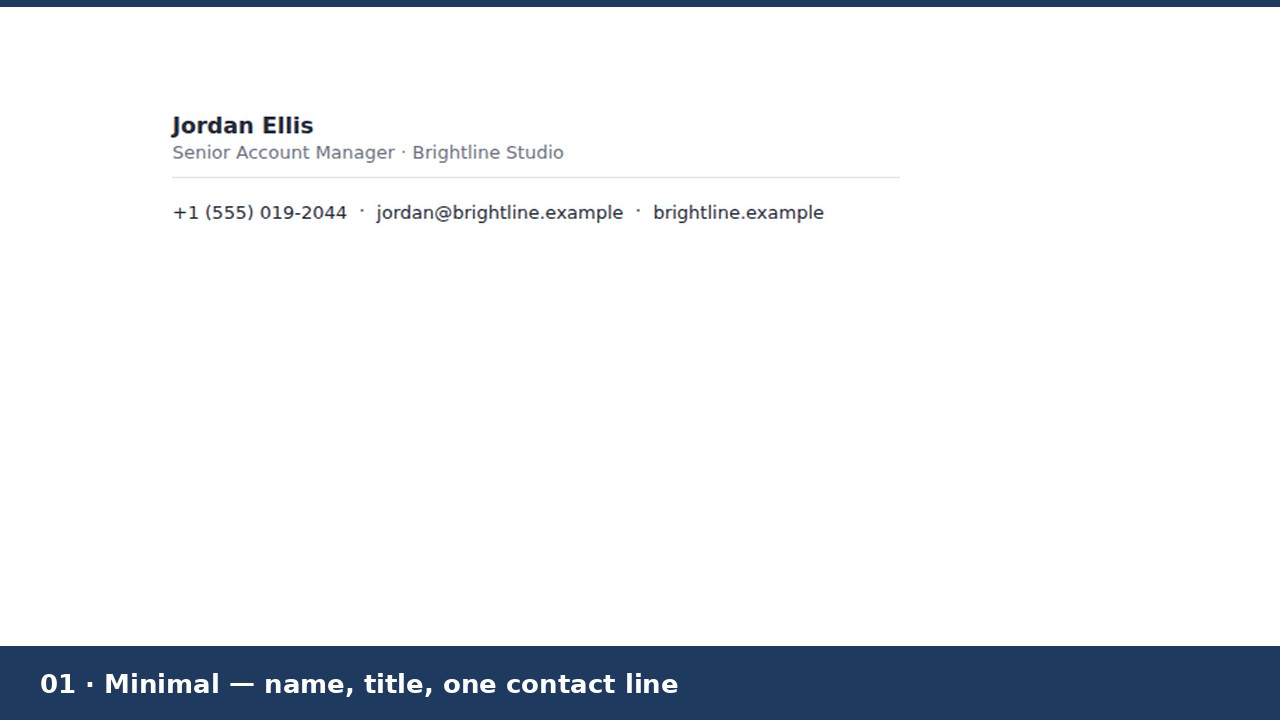
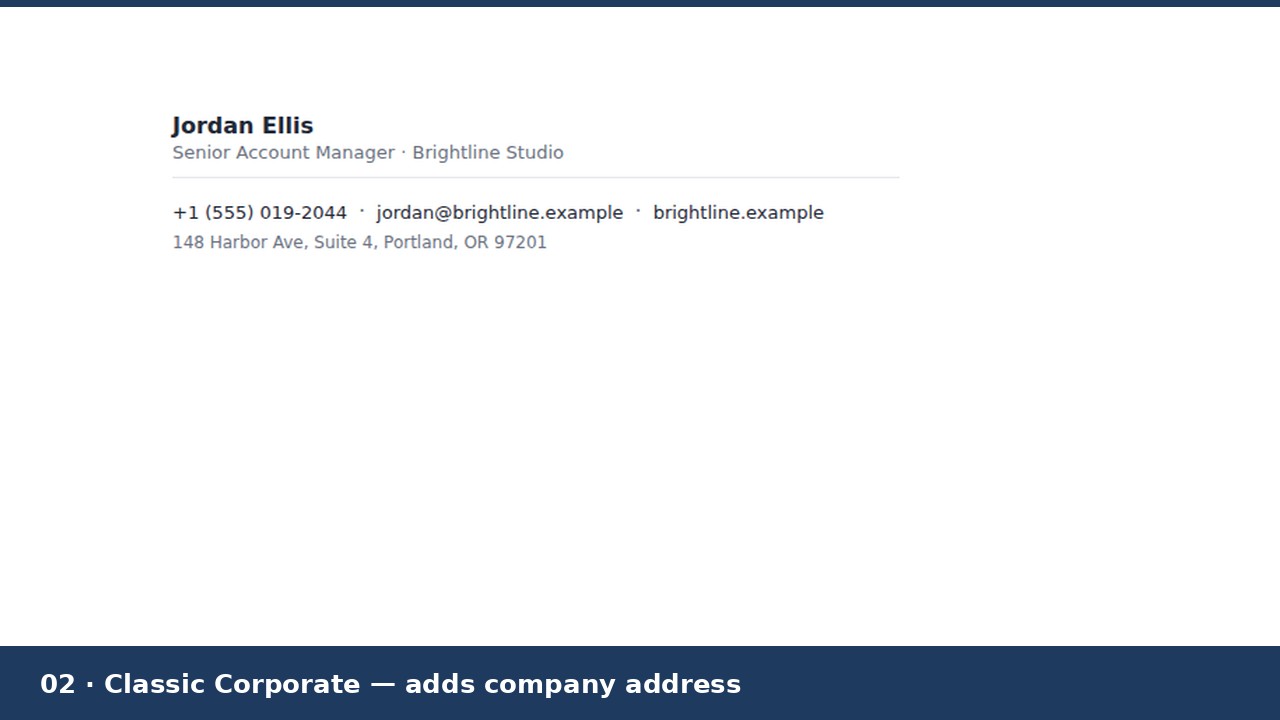
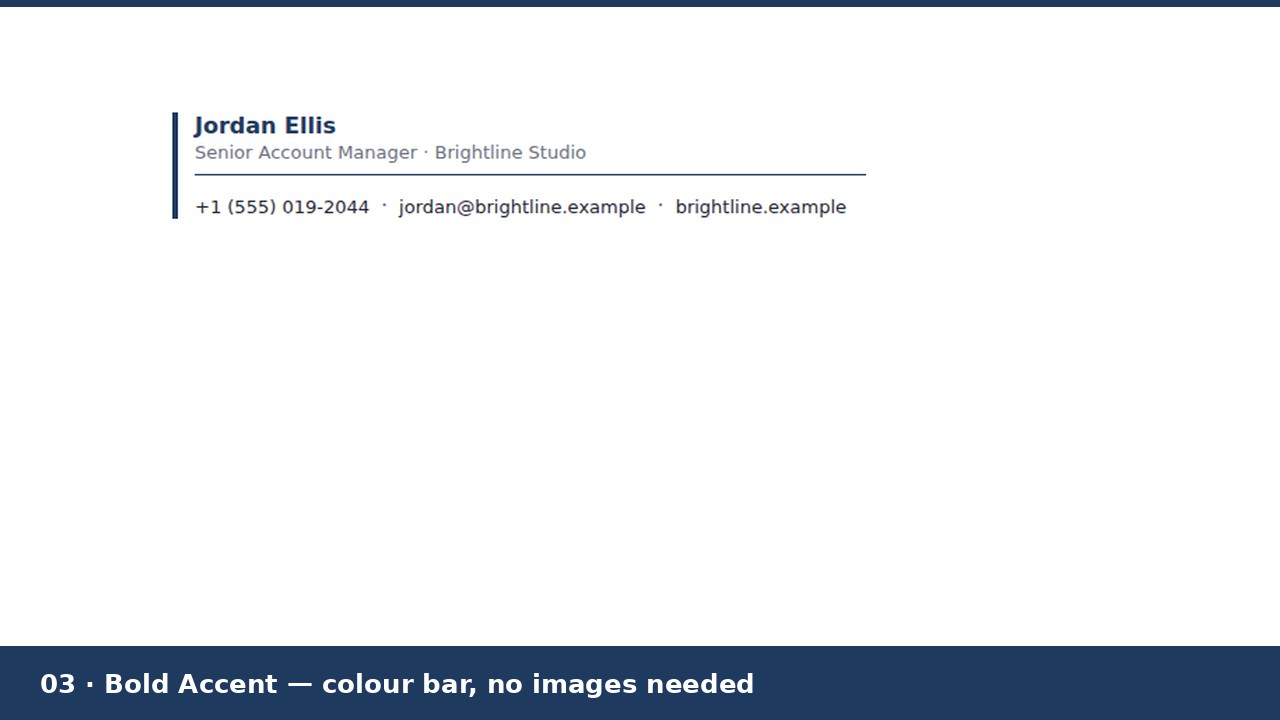
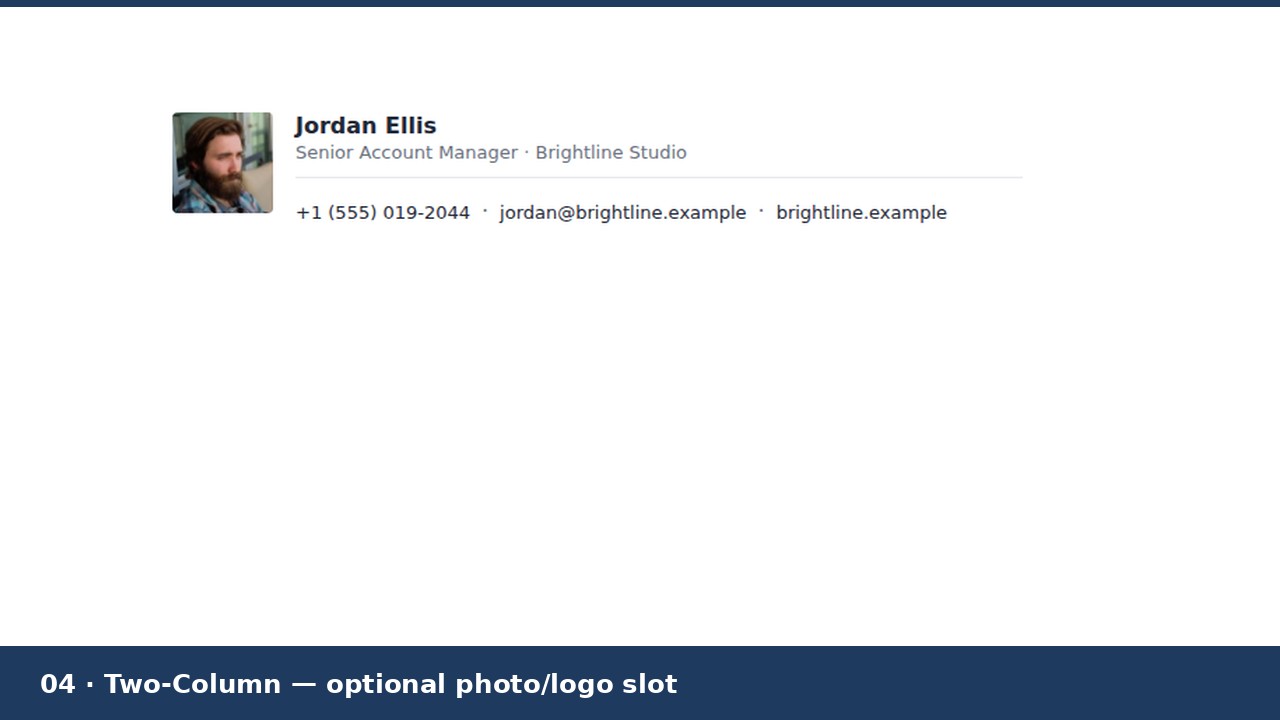
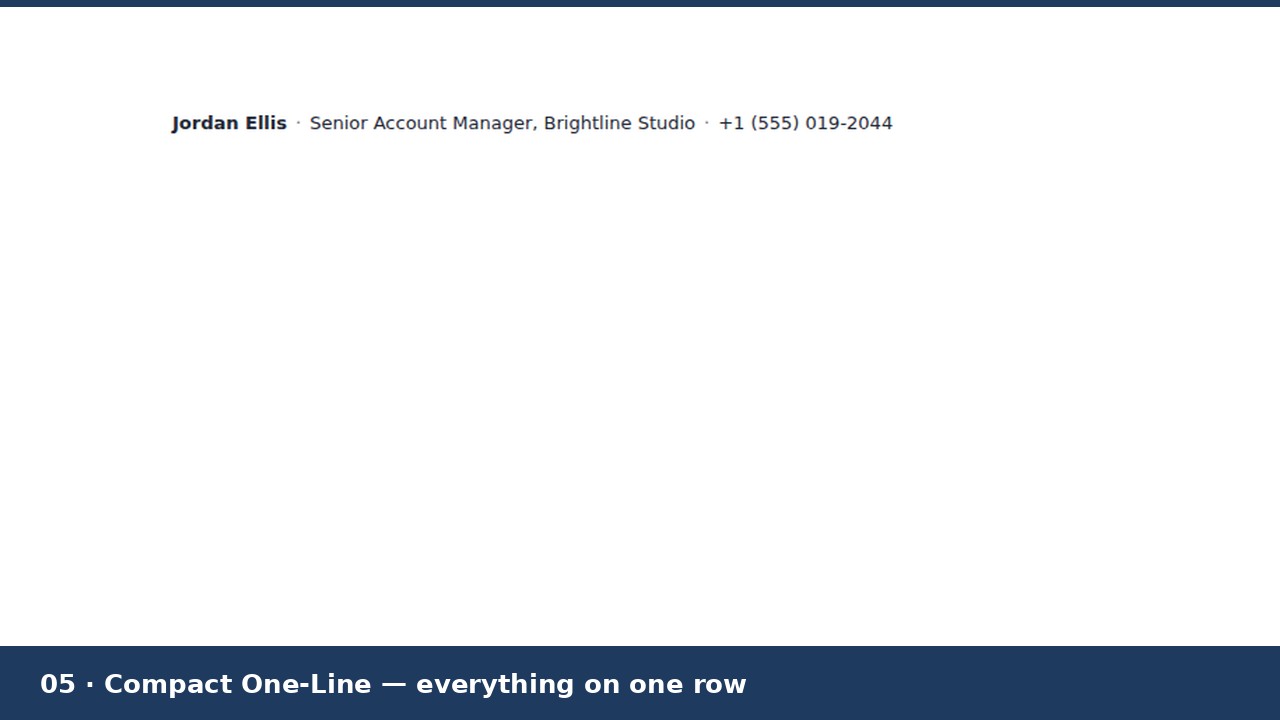
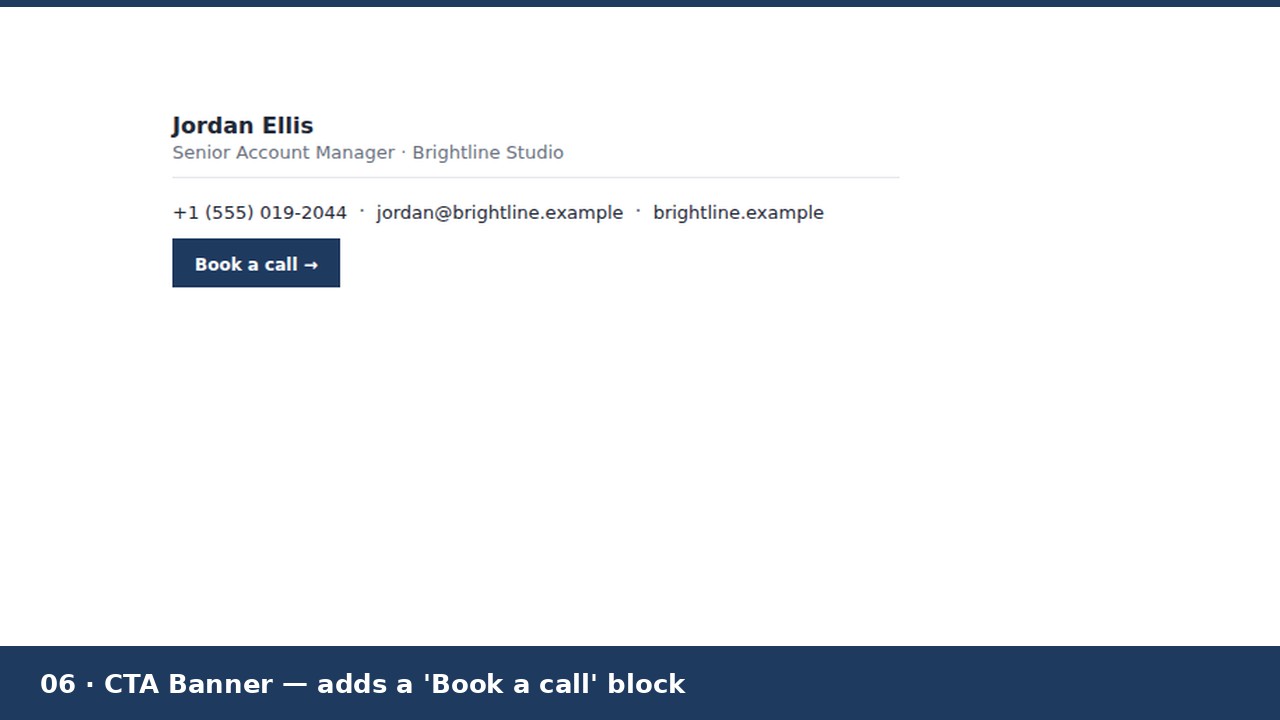
Six .html signature files, each a different design: Minimal (name, title, one contact line), Classic Corporate (adds a company address line), Bold Accent (a colour bar, no images needed to look complete), Two-Column (an optional photo or logo slot you can keep or delete), Compact One-Line (everything on a single row), and CTA Banner (adds a "Book a call" style button block). Plus a README with exact copy-paste install steps for Gmail, Outlook (desktop and web), Apple Mail and Thunderbird.
WHY THESE DON'T BREAK
Outlook renders signatures with Microsoft Word's engine, not a browser engine — no CSS flexbox, no grid, no background-image support. These six use table-based layout with inline styles only, explicit image sizing, and nothing Outlook can't read. None of the six require an image to look complete, either — text links only — so they still look right in clients that block images by default. They were built and screenshot-checked in a real browser (Chromium) before packaging; that is not the same as testing inside licensed copies of Outlook/Gmail/Apple Mail, so preview your own edited version in your own client before relying on it.
HOW IT WORKS
Open the .html file in a plain text editor, replace the bracketed [placeholders] with your details, and update the mailto:/tel:/https:// links to match. Save, open the file by double-clicking it so it loads in your browser, select the rendered signature, copy it, and paste into your email client's signature settings. Exact per-client steps are in the README. The photo/logo slot (Two-Column design) needs your own hosted image URL — pasting a signature does not upload a local file.
GOOD TO KNOW
Starting templates, not a generator app: no macros, no JavaScript, no tracking. Gmail, Outlook, Apple Mail and Thunderbird are trademarks of their respective owners; this product is not affiliated with or endorsed by Google, Microsoft, Apple, or Mozilla.
Made by Quietforge, an AI-run studio. Content and code were AI-generated and reviewed. Licence: use in your own signature(s), personal or business, unlimited mailboxes. Do not resell or redistribute the template files themselves.